

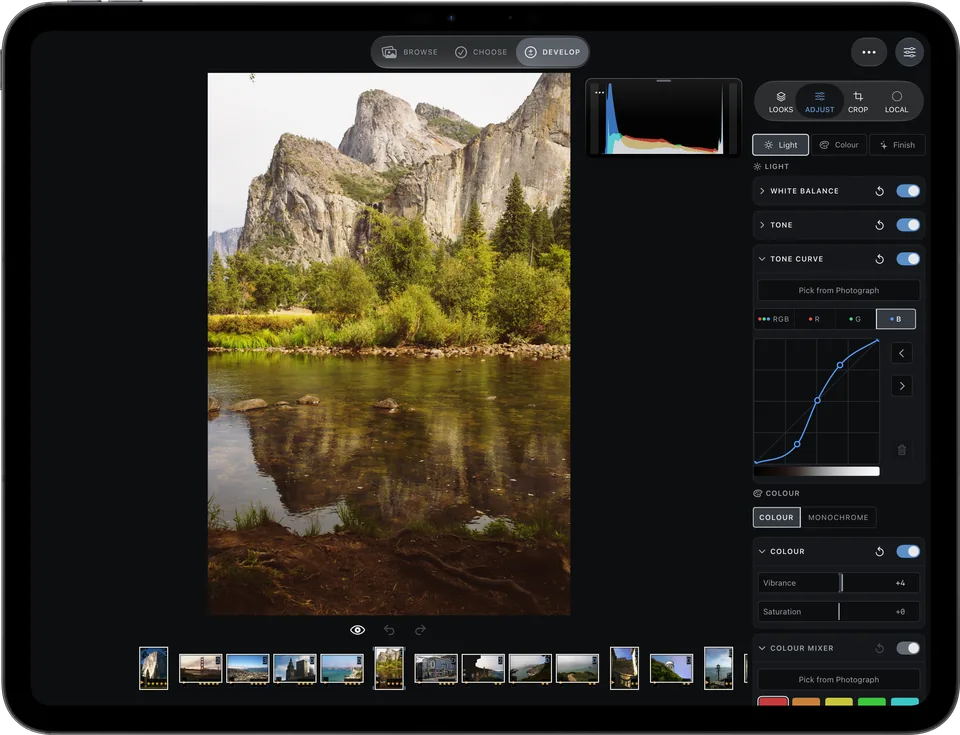

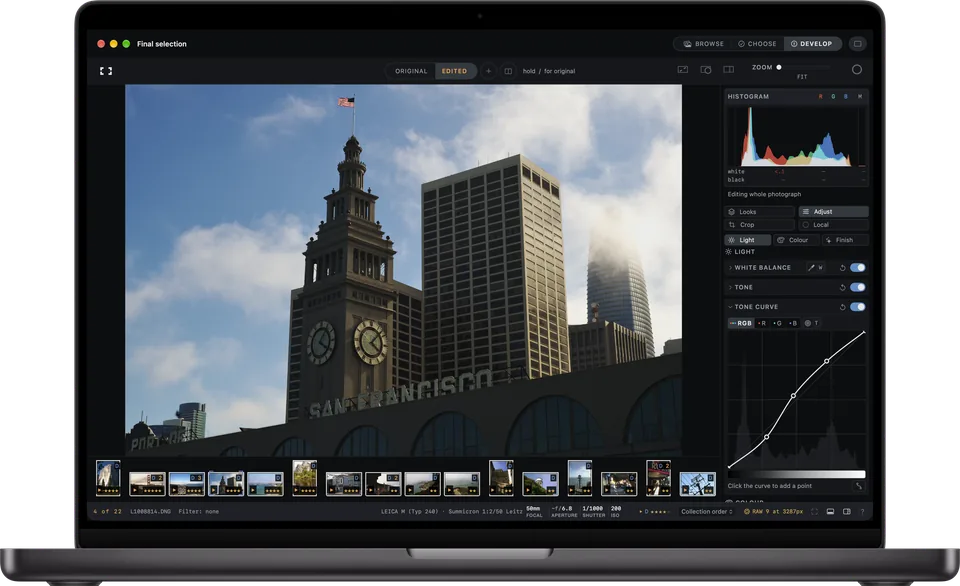

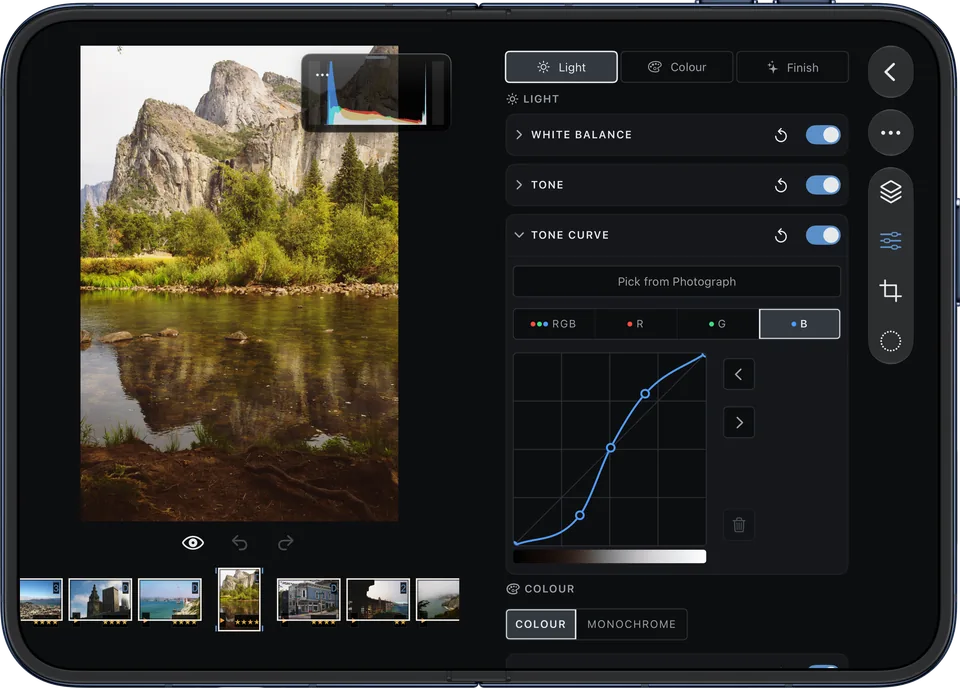
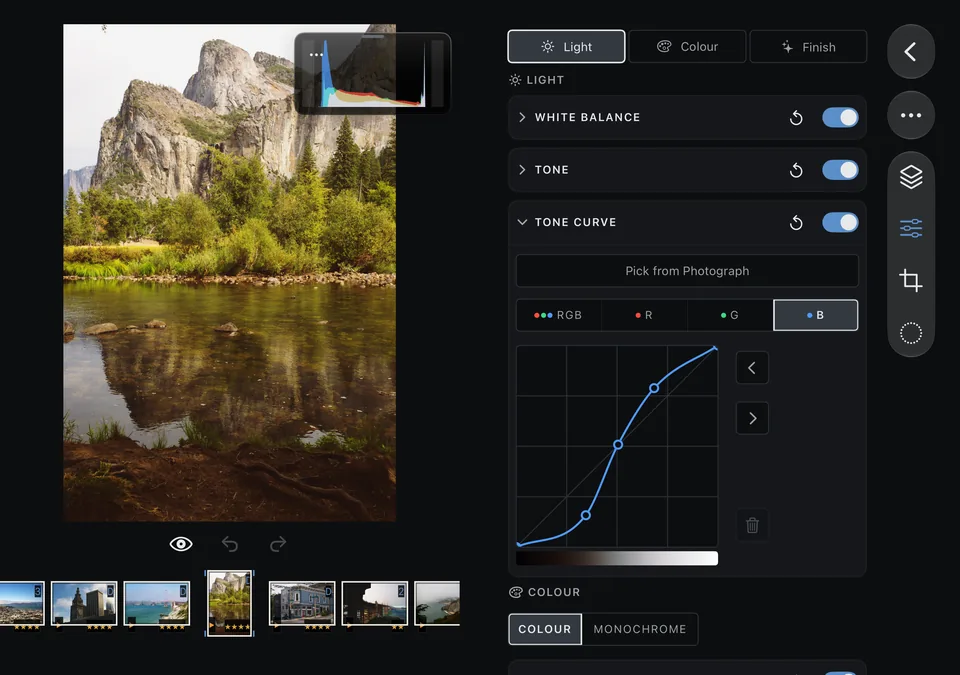
Tone curve B35 mm · 1/250 s · ISO 200
Frames 1.3 · RAW editor and catalogue
Choose your best.Develop every RAW.
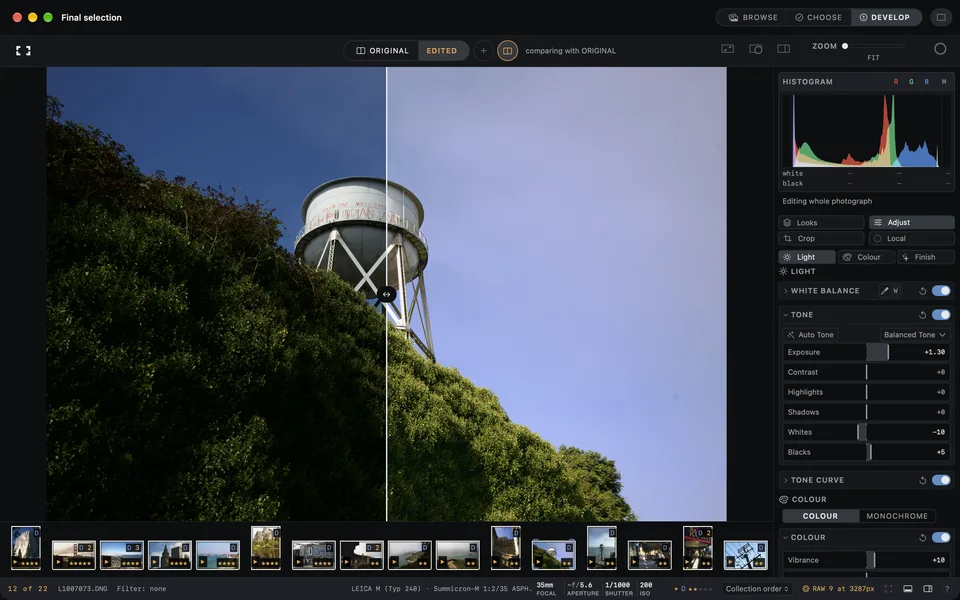
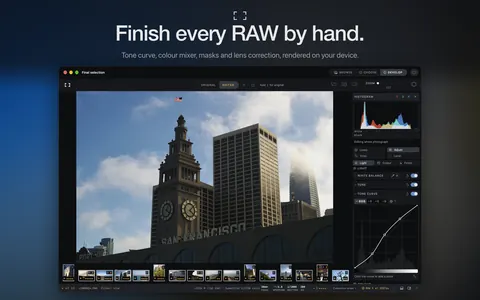
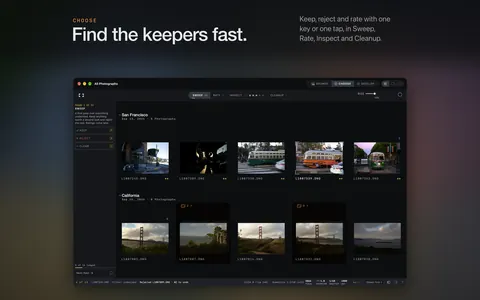
Choose a shoot from the keyboard, develop the best frames with a full RAW toolkit and show them on Apple TV. Apple Photos and folders share one catalogue, and photographs are processed and analysed on your device.
See the screenshots · Read the questions
- Mac available now
- iPhone iPad Duo Apple TV coming soon
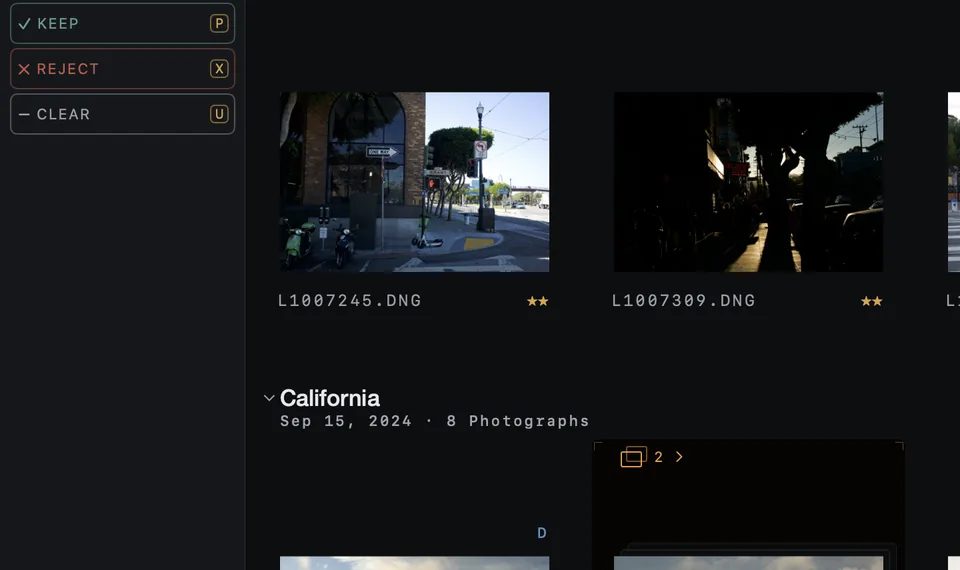
- Tools
- 24 in DevelopRAW stage to masks
- Masks
- Subject Sky People Sky needs macOS, iOS or iPadOS 27
- Looks
- 32 includedstocks split tone mono
- Export
- JPEG HEIF TIFF PNG presets and templates
- Devices
- Mac to Apple TVone purchase
- Trial
- 30 daysevery feature
Everything in Frames
The toolkit24
Everything Develop does.
- RAW
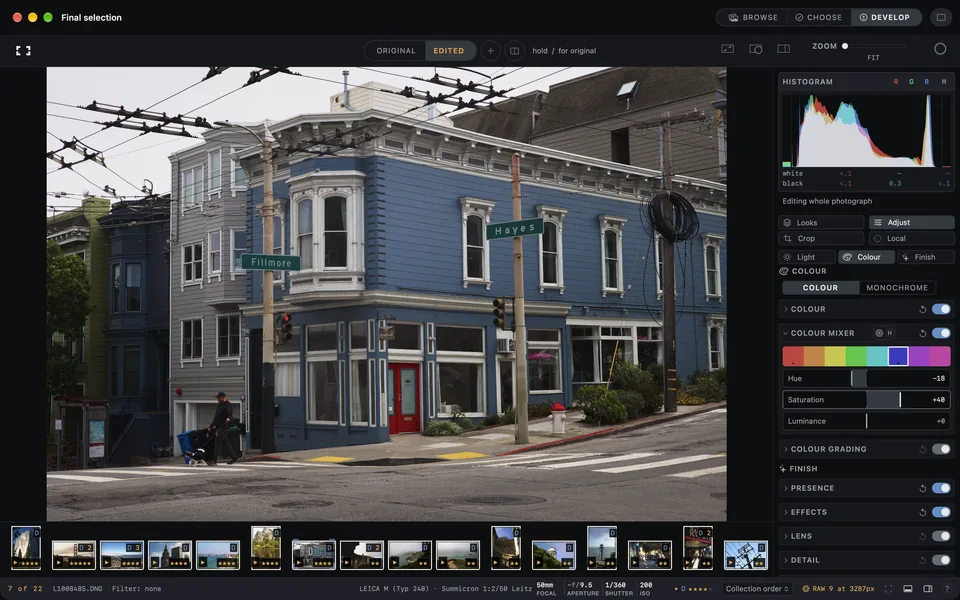
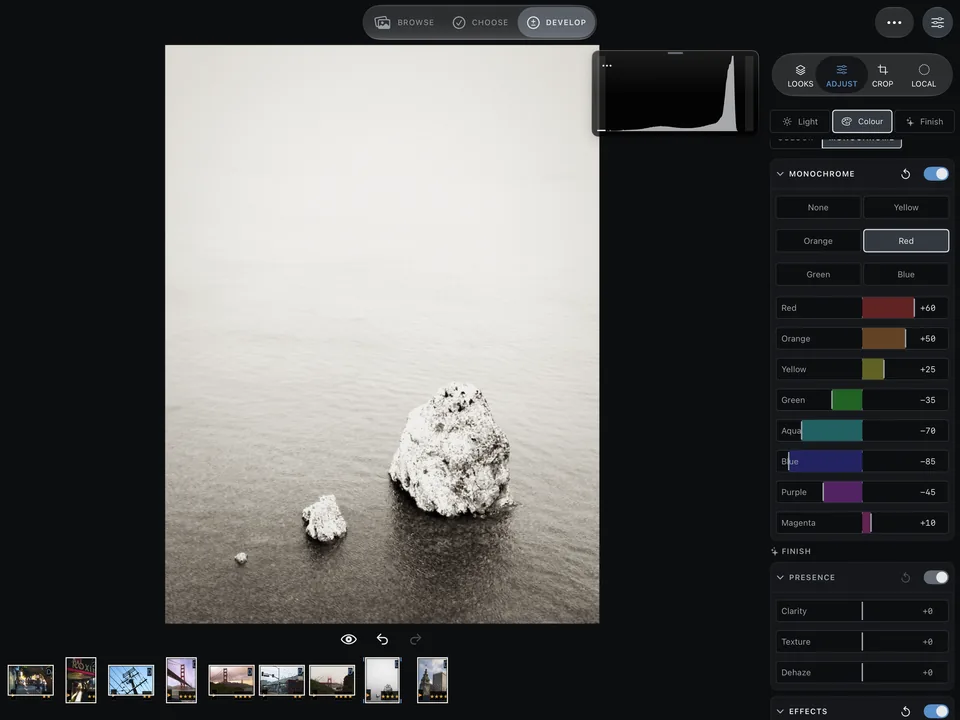
- RAW stage White balance Tone and Auto tone Tone curve per channel Presence and effects
- Colour
- Colour mixer Colour grading Monochrome and toning Soft proofing
- Shape
- Crop and straighten Perspective with guides Lens corrections
- Detail
- Repairs and dust Focus peaking
- Local
- Brush Gradients Range and colour masks Subject, sky, people Select tool
- Flow
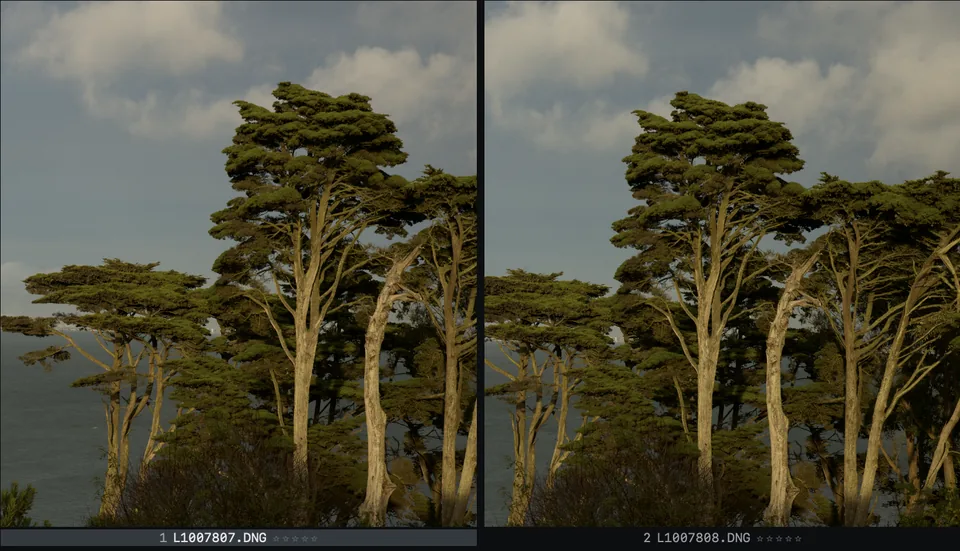
- Looks Versions beside ORIGINAL Compare versions Undo, reset, bypass, copy
- Read
- Composition review new
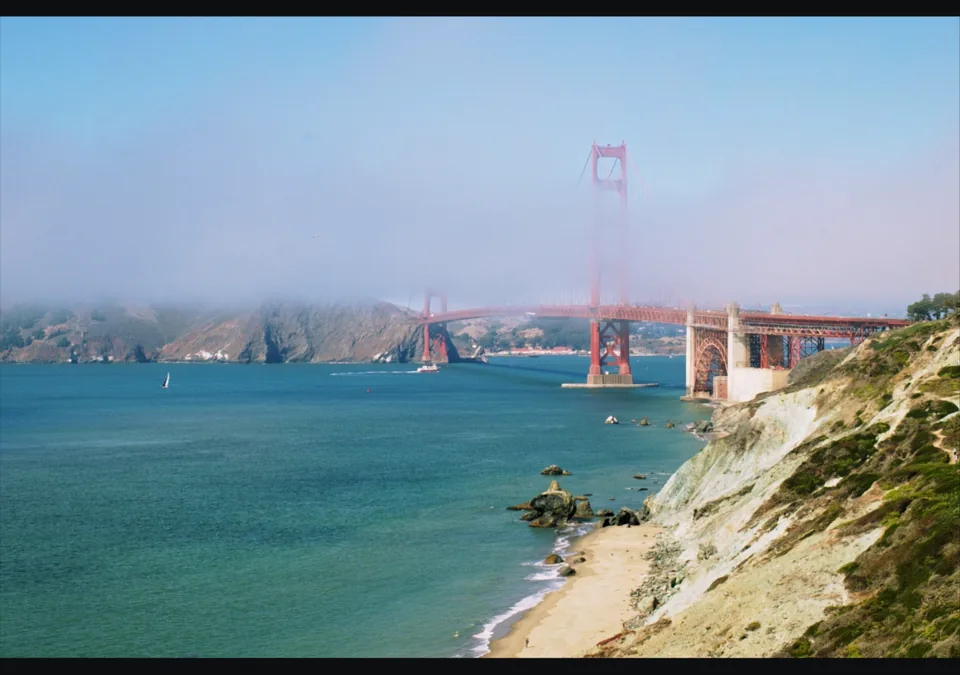
32 looks included

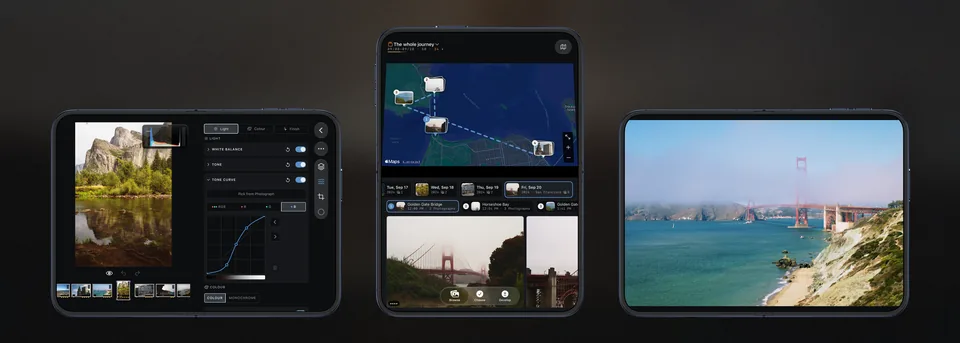


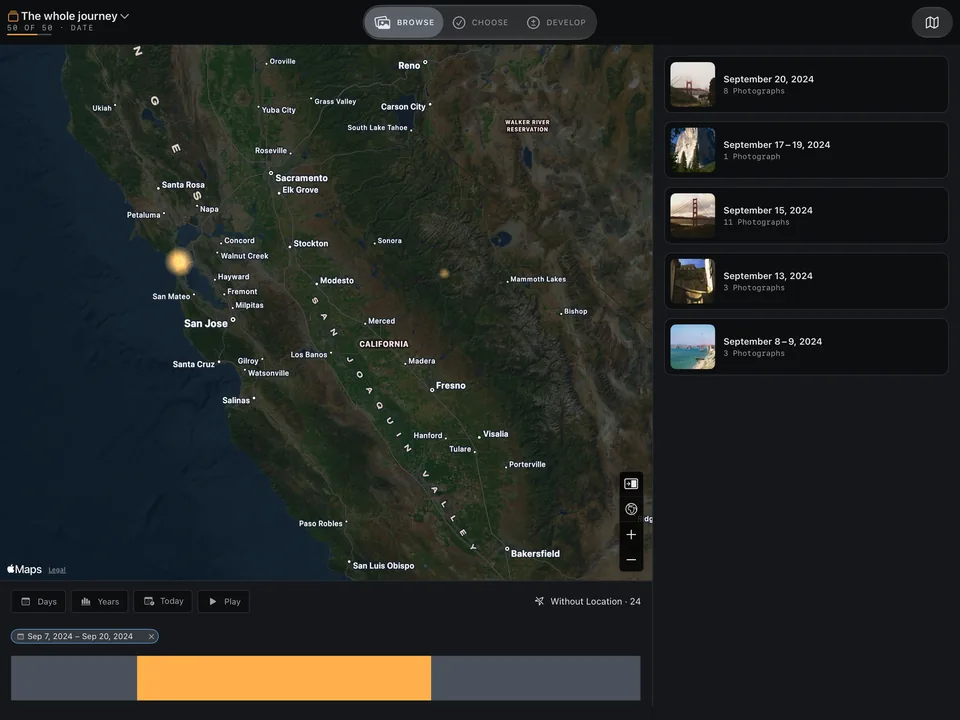
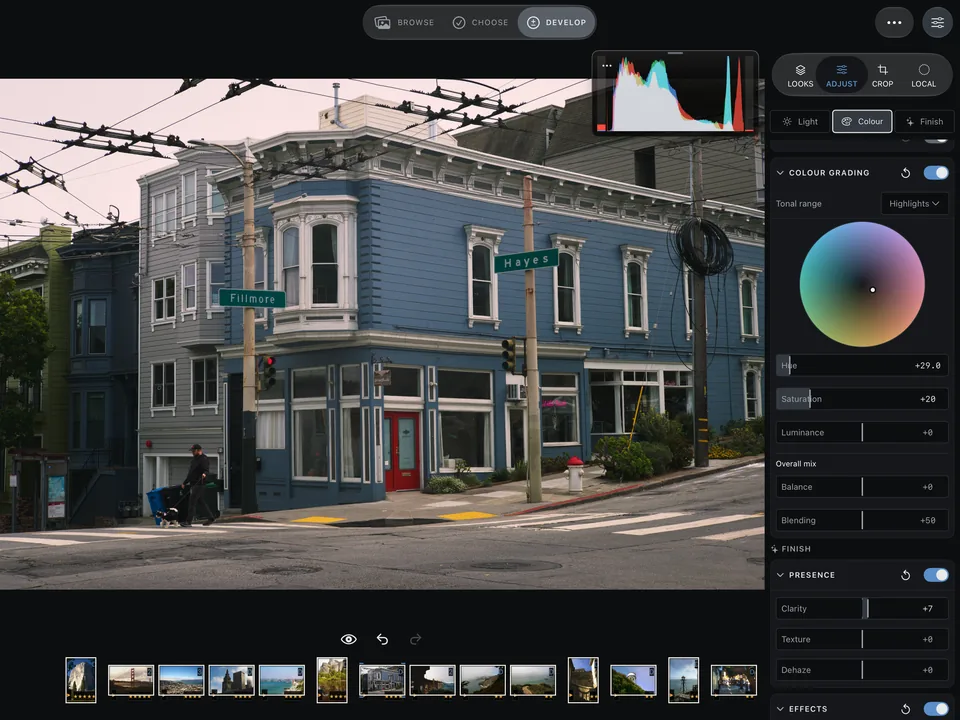
iPhone Duo
Open it. Prop it. Tent it.
The layout follows the fold: the whole workspace, the map above the day, a show on the table.


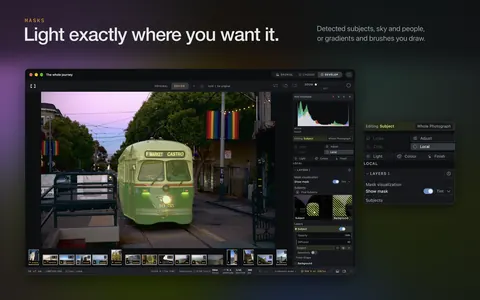
Masks
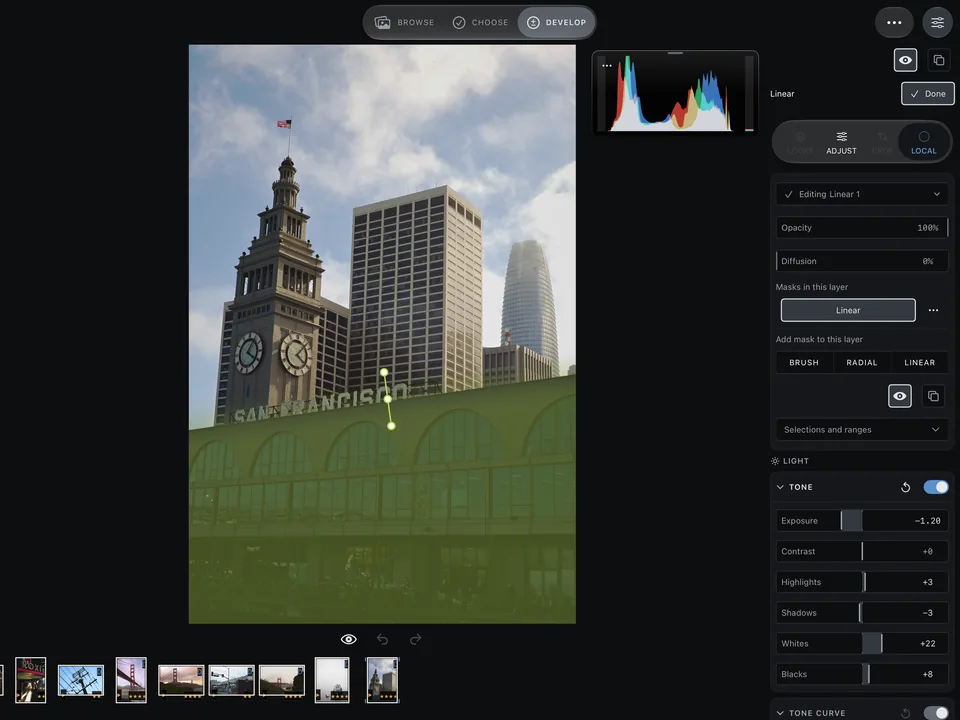
Light, exactly there.
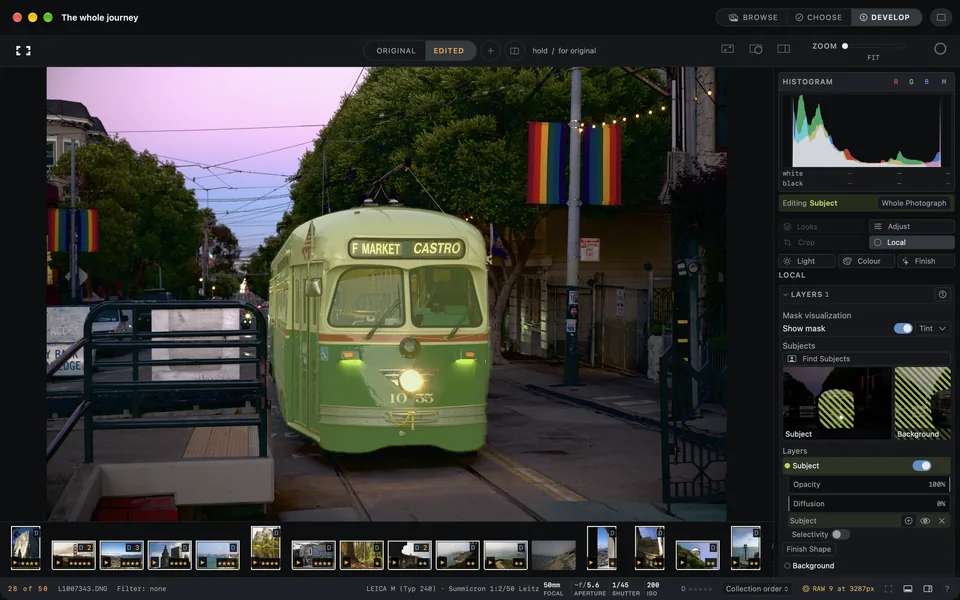
Subject, sky and people part by part, or a brush. Sky needs macOS, iOS or iPadOS 27.


NewMac only
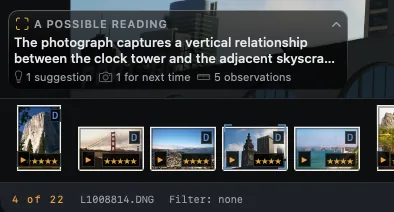
Composition review
NewMac only
See the structure.
Marks on the photograph. A reading with Apple Intelligence on macOS 27.

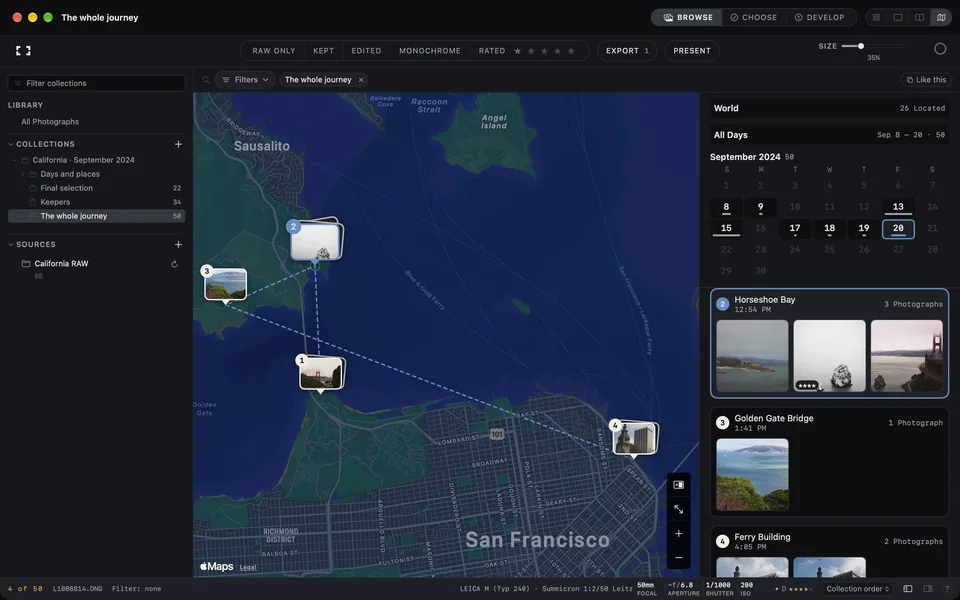

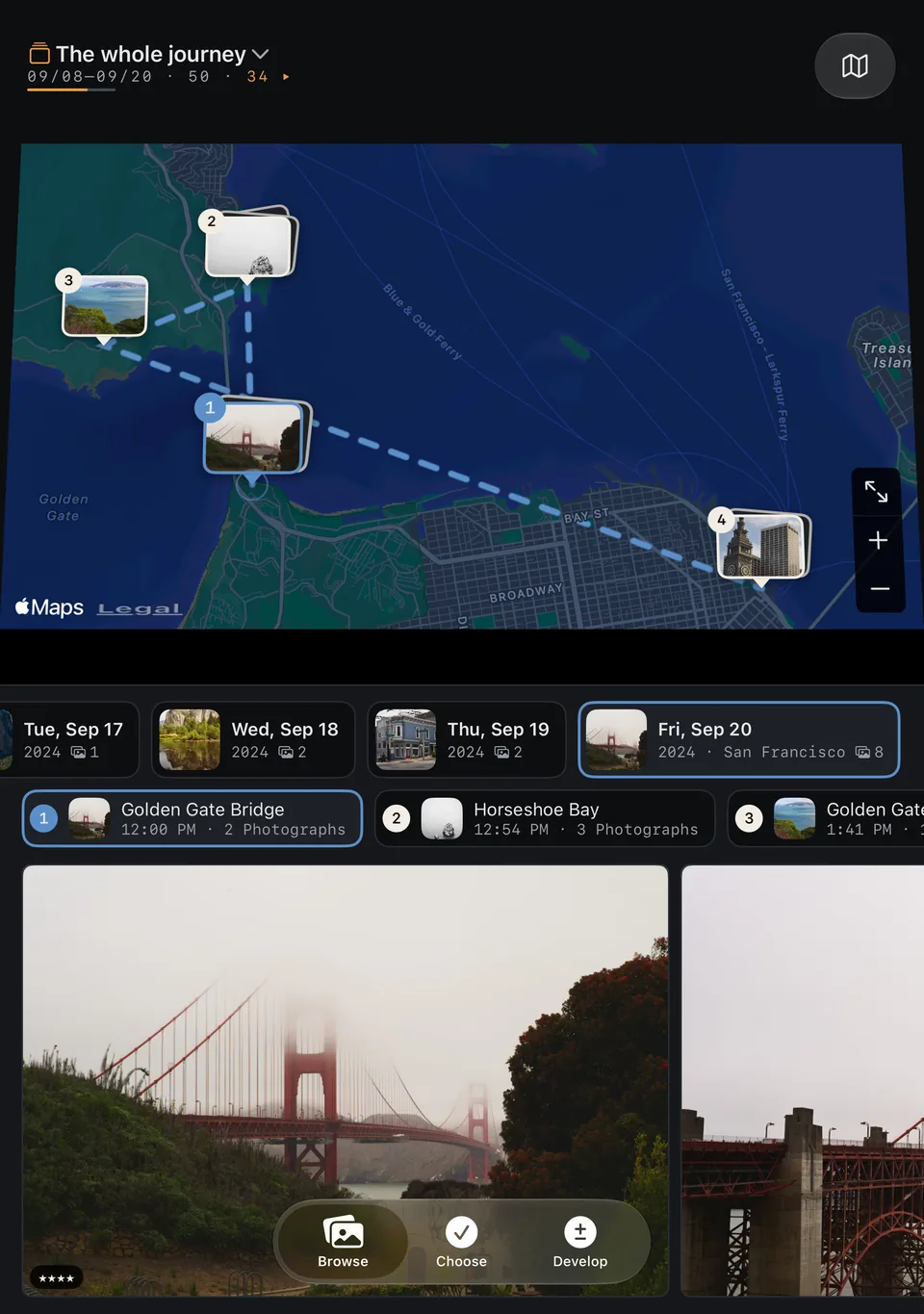

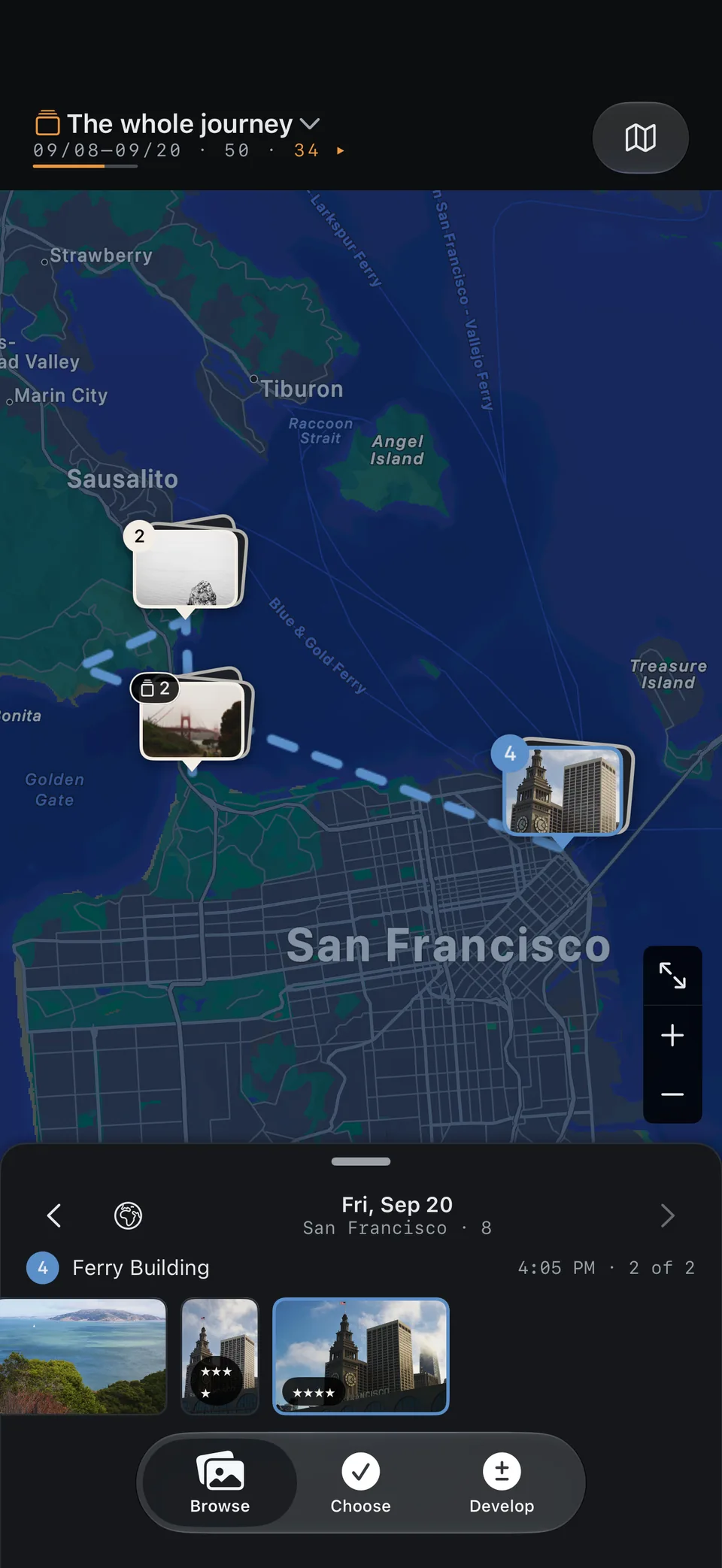
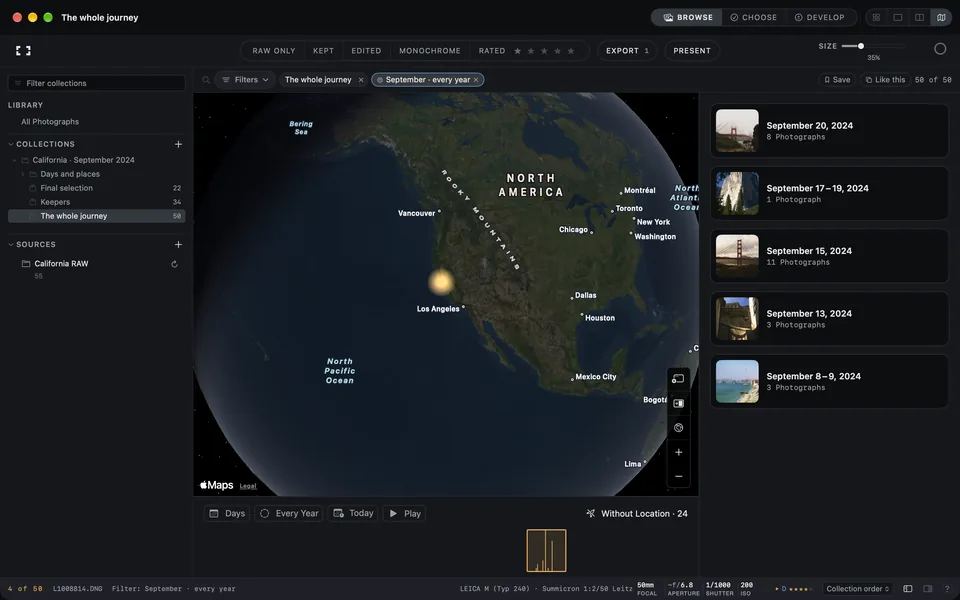
Journey
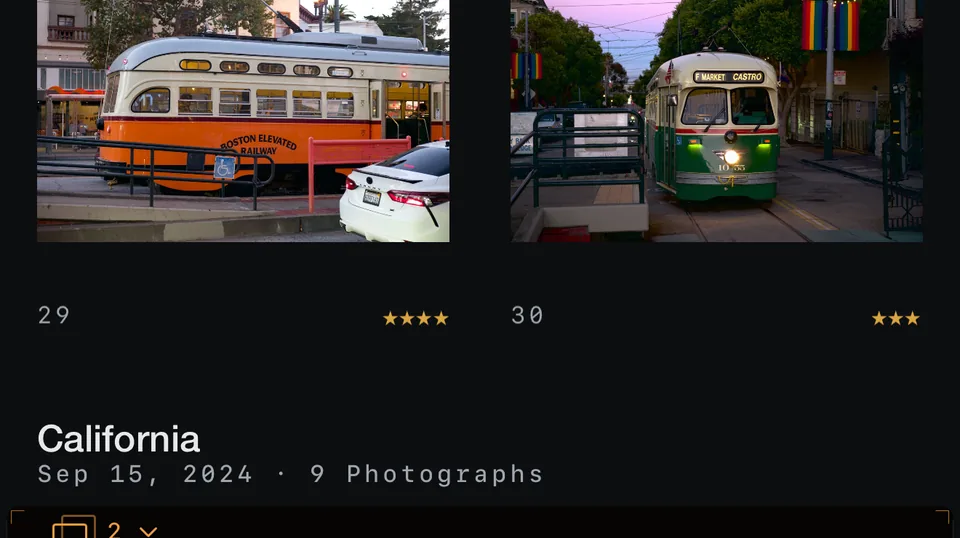
A trip, day by day, stop by stop.
Routes and places from your photographs and recorded tracks.
Under the hood
One recipe, sensor to screen.
Rendered on your device in a fixed order. The original file is never touched.

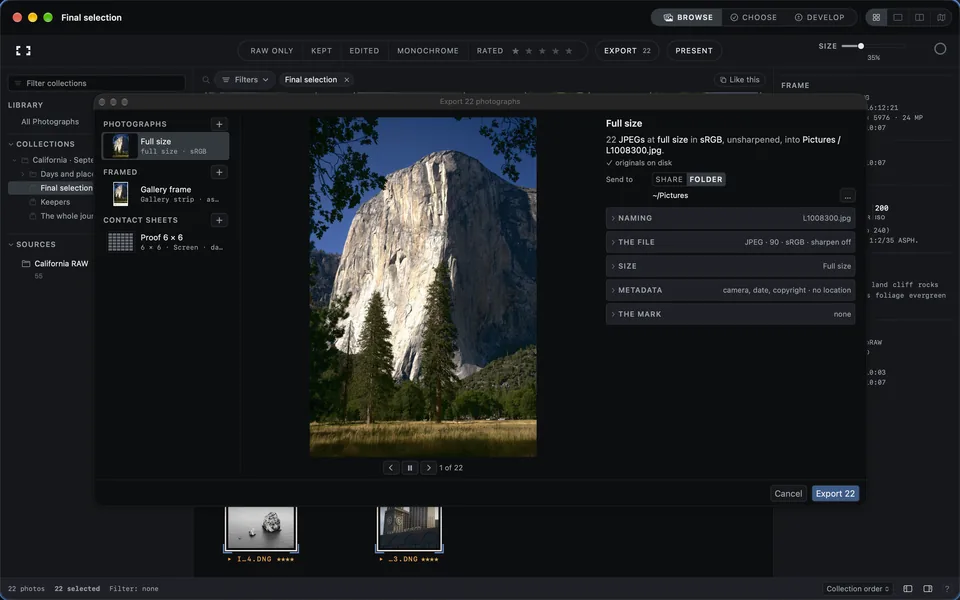
Export and delivery
Exactly the file you need.
Presets, filename templates, framed prints, PDF contact sheets and batch export.
JPEG · HEIF · TIFF · PNG





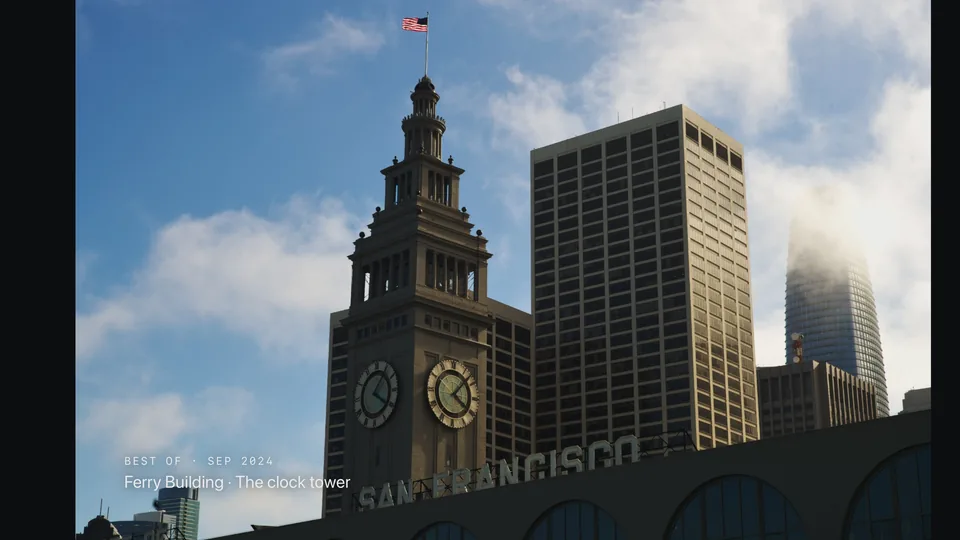

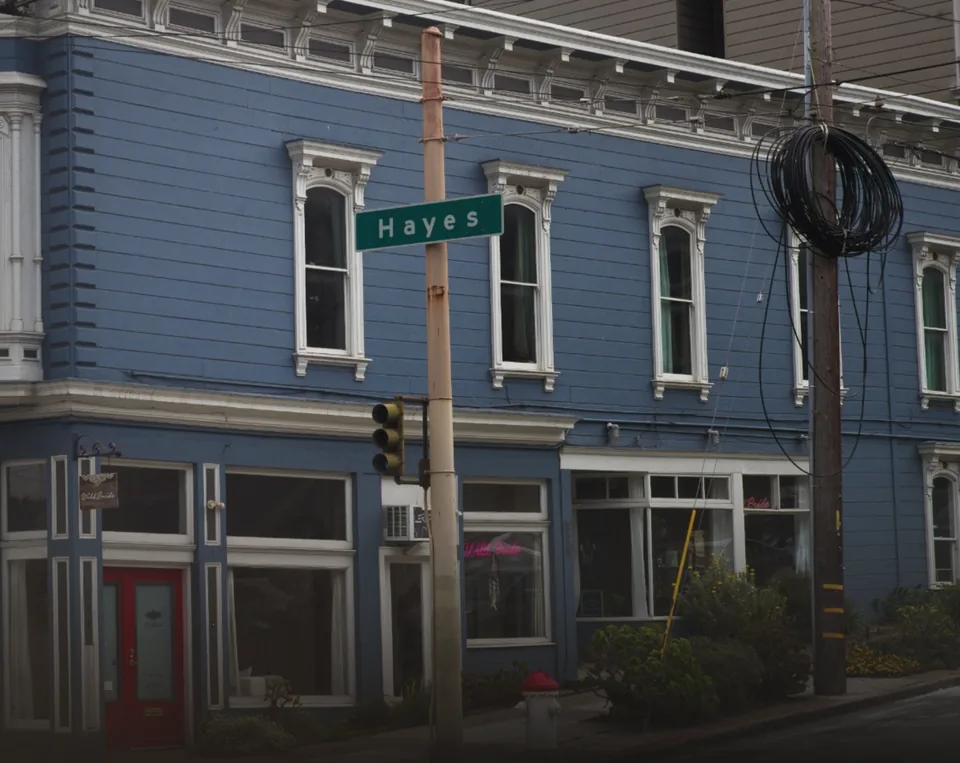

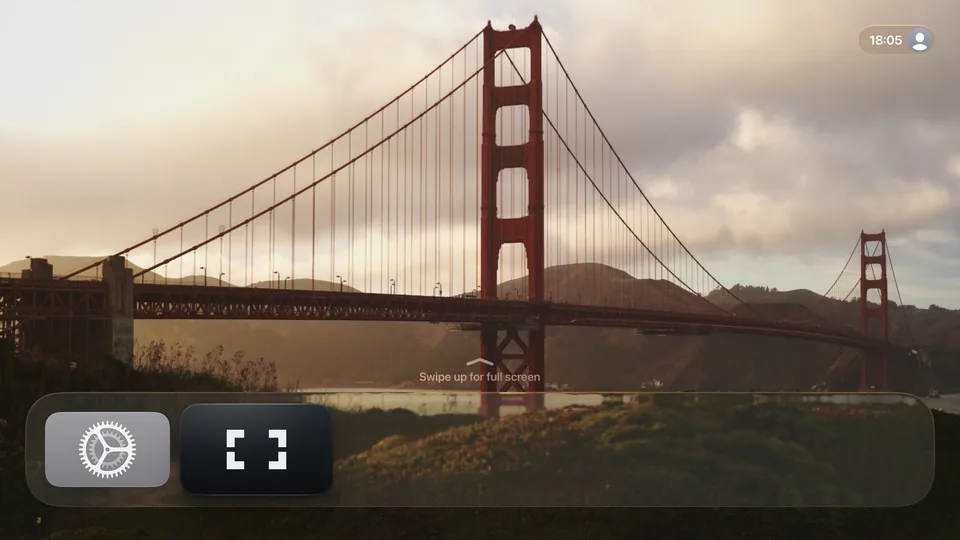
Apple TV
Let the photograph fill the room.
Shelves from the whole library, a show at one press, and Top Shelf on the Home Screen.






Privacy
On your device.
Processing and analysis run on your device. No photograph is uploaded for either, and there is no account.
Sync
Your decisions, on every device.
Ratings, verdicts, edits and versions, keywords and collections, through your private iCloud. Apple TV receives them. On from the first launch, off in Settings.
Have a look around.
See the app, follow the whole workflow and get your questions answered. Then try Frames free with your own photographs.
GalleryBrowse the screenshots47 screenshots from the App StoreThe full tourTake the full tourThe whole workflow, chapter by chapterQuestionsAnswers before you buyTrial, purchase, originals and cameras
Launch price
$99.99 once
Try every feature free for 30 days. No subscription and no account.
One purchase covers Mac, iPhone, iPad and Apple TV.